

Free Video Dub is an application that allows you to edit videos by deleting unwanted sections from the source files.
The program’s interface is uncluttered and has all the functions at sight; this aspect makes the tool easy to use by anyone. The app supports all the popular video formats, such as .mp4, .avi, .mpg, .mpeg, .wmv, .flv, .ogg, .mkv, .3gp, and many others.
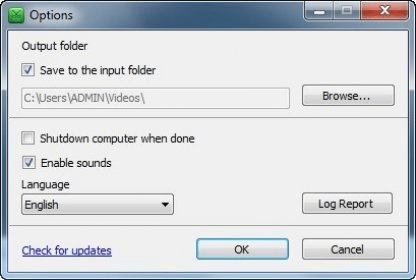
The editing process is very simple: to remove a part of a file, you just select the start and the end point of the video section you want to delete. All the buttons necessary for a good timing are placed in the lower area of the main window. You can play the video frame by frame or you can scan for the next scene. Once you set the starting point, you need to play the video and choose the end of the unwanted part. To be sure that the right part of the video is accurately selected, you can use the option that plays only the desired section. Afterwards you can save the video and watch the result. By accessing the Options menu, the program enables you to modify some aspects regarding the output folder and the sounds.
All in all, this is a simple but efficient program that works properly. It can be handful when you want to remove some inappropriate parts from video recordings. However, I would have liked some additional functions that would allow me to add some visual effects or to merge the resulting clips.





Comments (1)